 Clutchline Tech
St. Petersburg, Florida
St. Petersburg computer help for the home and office.
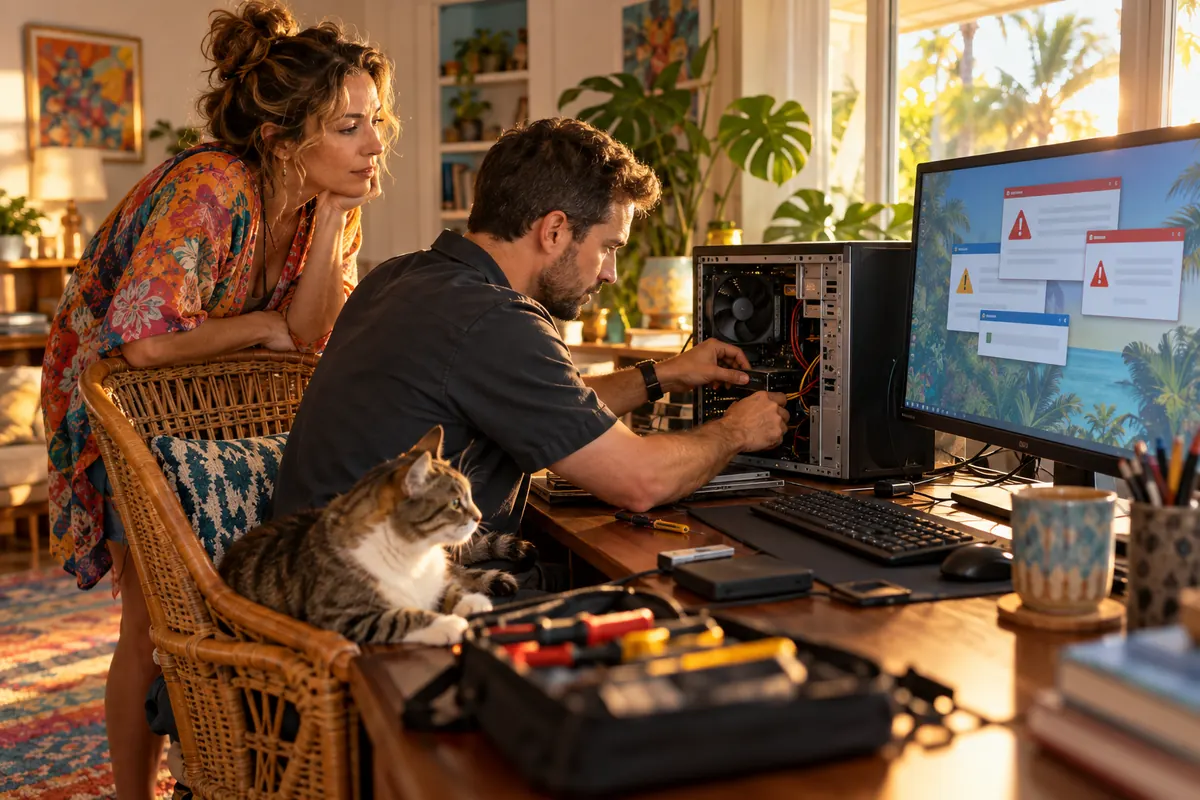
A shared home computer with persistent pop-ups, or staff who need help with Microsoft 365 accounts.
Start with the symptom
Separate an account problem from a device problem.
For St. Petersburg, begin with the symptom and whether one person or a whole office is affected. We can discuss remote assistance or an appointment based on the device and location.
For Microsoft 365 sign-in trouble, note the error on screen and whether another employee can sign in. For pop-ups on a shared home computer, avoid entering passwords until the warning has been checked.
Slow computers, malware concerns, printer setup, and Wi-Fi issues. Explore home services ↗
Employee support, Microsoft 365, backups, and recurring office IT problems. Explore managed IT ↗
Pickup & return by appointment
A pickup may save a second trip
For a laptop or desktop with pop-ups, slow startup, or setup trouble, tell us whether pickup and return would be easier than waiting for an appointment. We will check whether the device can be serviced off-site and confirm the handoff location before you disconnect anything.
Tell us the symptoms and device model. We will agree on the pickup and return plan, the work to investigate, and how to protect your files before you hand it over. Do not send passwords through the request form.
One-time office IT help
Can you help a small St. Petersburg office without a managed plan?
Yes, start by describing the issue. We can discuss the scope before considering ongoing support.
We confirm the appointment method before you bring or ship a device. There is no listed walk-in office in St. Petersburg.
Have a device acting up in St. Petersburg?
Share the device, the ZIP code, and what changed. We will discuss remote work, pickup, or an appointment based on the problem.